What a Speed, Power, or Pressure Figure Has to State Before It Is Usable
A speed, wattage, or jet pressure is usable only with material, thickness, and machine named beside it. Treat a catalog figure as a start.
A speed, a wattage, or a waterjet pressure belongs to one material, one thickness, and one machine. Until those three facts sit beside the number, it is not a setting you can use to judge whether the slot will go through the sheet, how much stock the cut will throw away, or how long the nest will occupy the table. Open the maker’s current specification for that cutter, treat the published figure as a starting point, then cut a coupon on this machine before you lock the batch or the quote.
What this figure is actually counting
What is being counted
Whether a published speed, wattage, or jet pressure can be used as a starting point for this stock on this cutter. The number only counts when the material, the thickness, and the machine are named with it. Pages opened 29 September 2026: the OMAX ProtoMAX FAQ, the Hypertherm Powermax85 product page, and the Bystronic ByCut 3015/4020 data sheet.
What is not being counted
The width of the slot itself, the price of the wasted strip, machine time as a separate quote line, or a speed copied from a video of a different cutter. A percent speed from another laser is not an inches-per-minute figure for this table.
The measurement that decides it
A coupon cut in the same material, thickness, process, and machine as the job, with the speed, wattage, or pressure written next to those four facts. Until that coupon exists, the maker’s number remains a start, not a measured setting.
What a catalog figure leaves out
OMAX states that ProtoMAX linear speeds are for straight cuts at Quality 3, and that real parts with curves and corners run slower. Hypertherm states that Powermax85 production speeds come from laboratory testing and are about 80 percent of maximum. Neither page records what this particular cutter did on this sheet today.
Check before the batch or the quote
Open the maker page for this machine. Confirm that the material name, the thickness, and the machine model match the job. Then cut a coupon. If any of those three facts is missing, leave the setting blank.
Last checked
29 September 2026
What speed, power, and pressure are driving on the cut
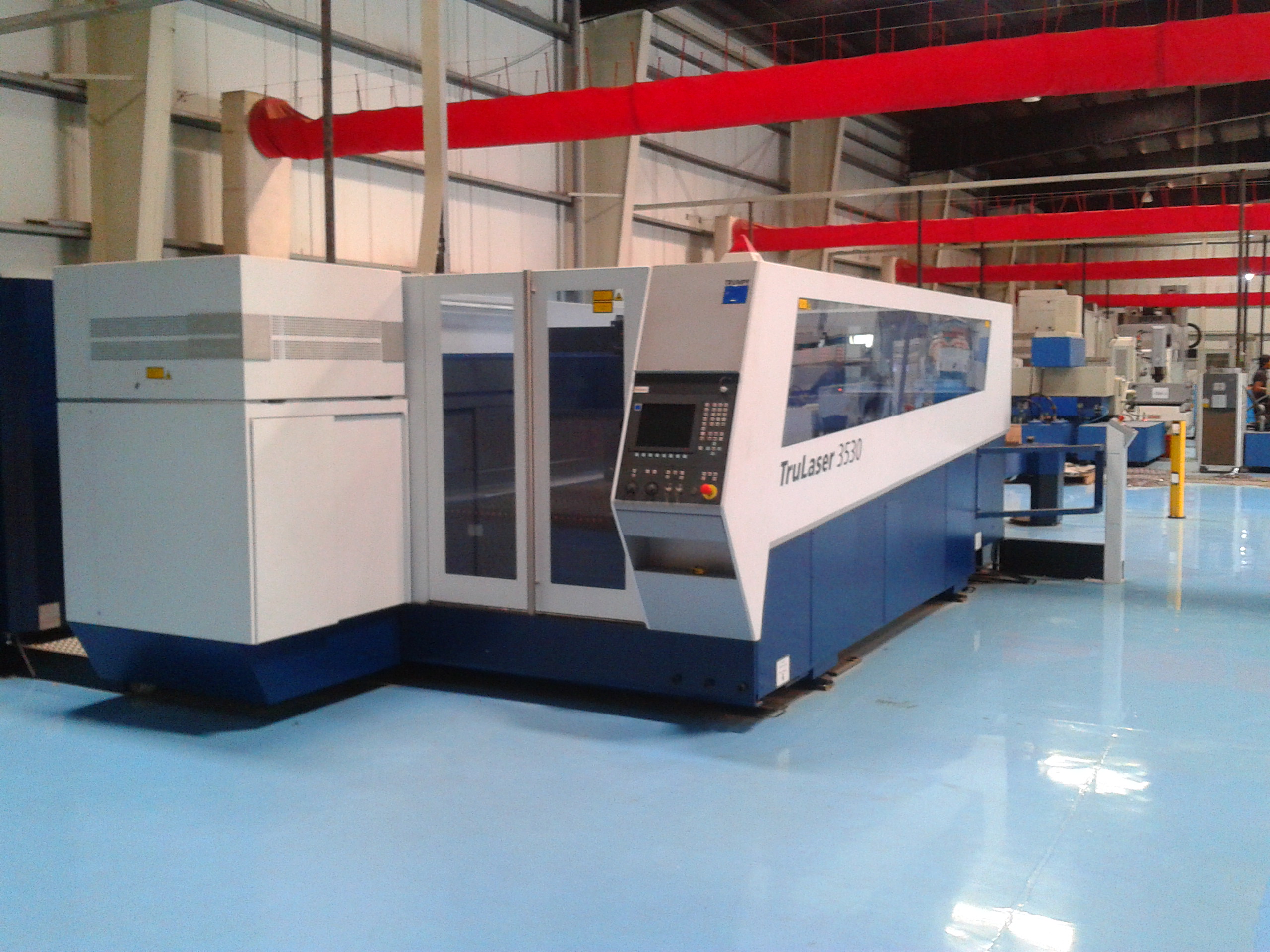
A toothed blade removes a slot equal to the teeth plus the set. A carbon-dioxide or fiber laser melts or vaporizes a narrow path, and an assist gas clears the molten metal or polymer. A plasma arc melts a wider path in conductive metal. An abrasive waterjet accelerates garnet through a mixing tube so the stream erodes the sheet. In every case the leftover on the table is a skeleton, an offcut, or a bar end, and the gap between parts is the stock the cutter took.
The speed, wattage, or pressure does not name that gap. It names how hard and how fast the cutter is asked to make the gap. If the feed is too high for that thickness, the beam, the arc, or the jet may fail to sever, and the nest is scrap even though the drawing still shows finished parts. If the wattage belongs to a different laser package, the same mild-steel thickness may sit inside the maker’s limit on one source and outside it on another.
The parts you can point to are the blade, the cutting head, the nozzle, the mixing tube, the sheet edge, and the skeleton that stays on the table after the parts come out.

Why the same alloy still needs a different figure
Thickness is the comparison this topic needs. The sister article on why thickness changes the cut even when the material name stays the same is about the slot itself. Here the same fact shows up as a feed or a wattage that cannot travel from a thin sheet onto a thicker one.
On the OMAX ProtoMAX FAQ, opened 29 September 2026, the maker lists linear cutting speeds at Quality 3 for a 5 horsepower pump at 30,000 psi. Aluminum 6061 at 0.125 in is listed at 9.4 in/min. The same alloy at 0.250 in is listed at 4.55 in/min. The same alloy at 0.500 in is listed at 2.13 in/min. Mild steel at 0.250 in on that same machine is listed at 1.82 in/min. The material name “aluminum” or “steel” does not carry the speed. The thickness sits beside it, and so does the machine.
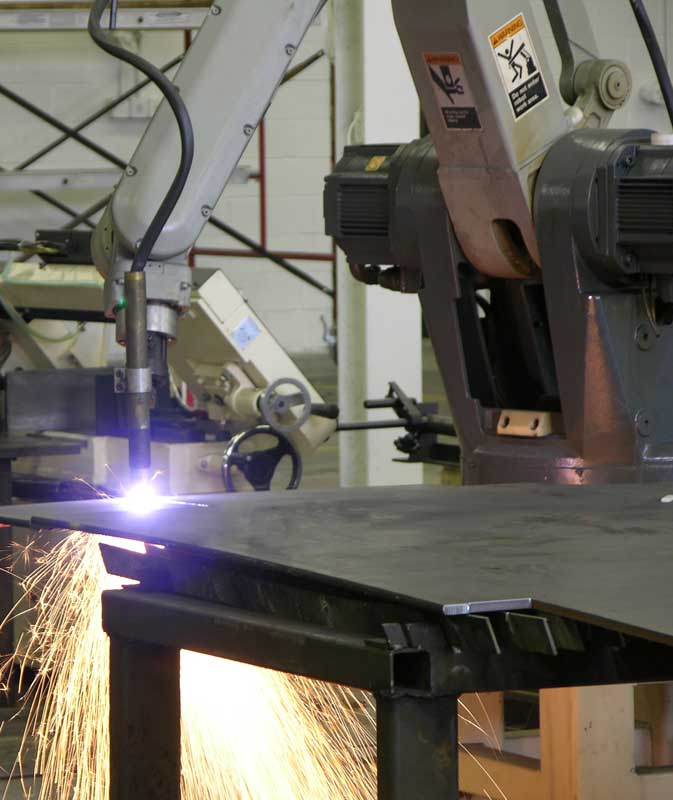
Hypertherm’s Powermax85 page, opened the same day, lists production cut speeds at 85 A. Mild steel 1/4 in (6 mm) is listed at 160 in/min (4,400 mm/min). Mild steel 1/2 in (12 mm) at the same current is listed at 56 in/min (1,600 mm/min). Mild steel 3/4 in (20 mm) is listed at 29 in/min (680 mm/min). Those three feeds are laboratory production speeds for that power supply and that amperage. They are not feeds for a different plasma system, and they are not feeds for a waterjet.
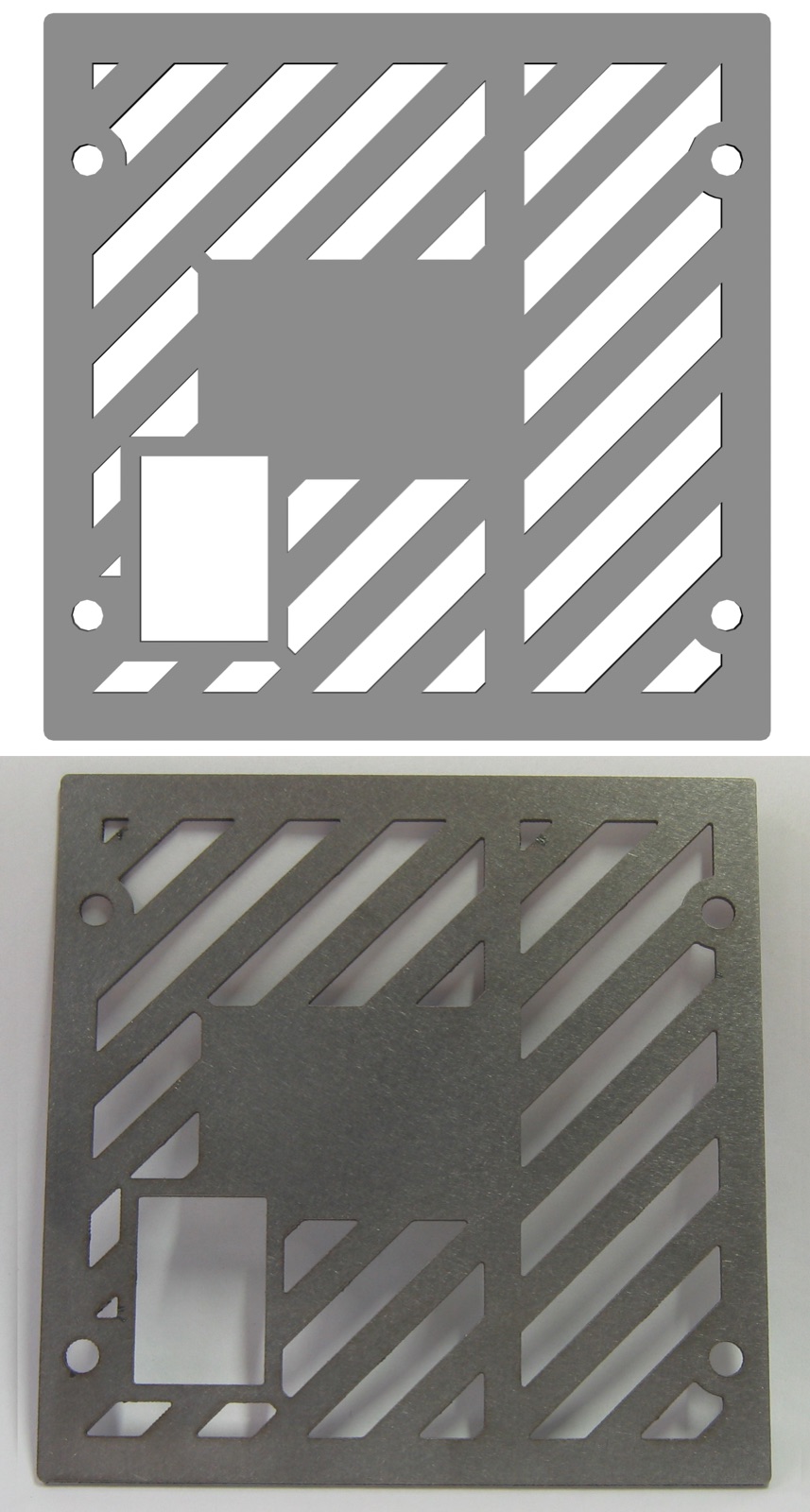
A laser package makes the same point with wattage instead of feed. Bystronic’s ByCut 3015/4020 data sheet, opened 29 September 2026, lists a Fiber 3000 source at 3,000 W with a maximum steel cutting thickness of 20 mm, and a Fiber 10000 source at 10,000 W with a maximum steel cutting thickness of 25 mm. Stainless steel on the Fiber 3000 is listed at 12 mm maximum; on the Fiber 6000 it is listed at 30 mm. The data sheet states those maxima assume an optimally maintained system and materials of the quality Bystronic specifies. A 3 kW figure copied onto a 10 kW head, or onto a 120 W carbon-dioxide engraving laser, is not a setting.

What to look for on the maker page and on the coupon
Open the page that belongs to this cutter, not a shopping roundup and not a video description.
On the OMAX ProtoMAX FAQ, look for the pump (5 hp), the pressure (30,000 psi), the quality grade (Quality 3), the material grade (for example Aluminum 6061 or Stainless Steel 304), the thickness, and the unit (inches per minute). The same page warns that listed speeds are linear, straight-line figures.
On the Hypertherm Powermax85 page, look for the current (85 A), the material, the thickness in inches and millimetres, and the note that production speeds are about 80 percent of maximum and come from laboratory testing.
On the Bystronic ByCut data sheet, look for the laser source name (Fiber 3000, Fiber 4000, and so on), the wattage, the material family, and the maximum cutting thickness. The Parameter Wizard option is described for steel from 4 mm to 15 mm with nitrogen and MixGas. That is a starting method for that machine family, not a coupon from your table.
On Trotec’s jewelry-display instructions, opened 29 September 2026, the maker names a Speedy 400 at 120 W with a 2.5 in lens cutting TroGlass Clear 8 mm at 95 percent power and 15 percent speed, 20,000 Hz, air assist on. For TroGlass Clear 5 mm on the same machine the listed cut is 50 percent power and 0.2 percent speed. Trotec states that recommendations vary with laser type and laser power, and that 8 mm acrylic needs 80 W or more for a high-quality, efficient cut. Trotec’s parameter-basics page, opened the same day, states that a “high” cutting speed in that software is 10 percent, because cutting is slower than engraving. A percent copied from a Speedy 400 is not a percent for a different controller, and it is not an inches-per-minute figure for a plasma table.
Write four facts next to any number you keep: material, thickness, process, and machine. If one of those four is missing, the setting stays blank.

What to write down before the nest or the quote
The choice this topic turns on is whether the setting is known well enough to run the nest, or whether it stays blank until a coupon is cut.
If the maker page names this material, this thickness, and this machine, you may treat that figure as a start. You still cut a coupon in the same stock on this cutter and record what actually severed, what the edge looked like, and what slot the caliper read. The coupon is the measured setting. The catalog line is the start.
If the job is a different thickness of the same named alloy, do not reuse the thin-sheet feed. Remeasure.
If the process changed — laser instead of plasma, waterjet instead of laser — the old wattage or amperage does not apply. Leave it blank and open the page for the process you will actually run.
If a video, a forum post, or a product photo is the only place the number appears, do not fill the missing wattage, speed, or pressure from that source. The nest and the quote wait.
One complete starting point, and one that is still blank
OMAX lists mild steel 0.250 in on the ProtoMAX, with a 5 horsepower pump at 30,000 psi, at 1.82 in/min linear speed at Quality 3. That line names material, thickness, machine, pump, pressure, quality grade, and unit. It is a maker starting point for that cutter, not a measurement from your table, and OMAX states that corners and curves run slower than the linear figure.
A note that says only “cut steel at 2 in/min” does not name the thickness or the machine. That line stays blank. So does a wattage with no material, and a 30,000 psi figure with no pump and no material thickness beside it.
The harmful mistake
Copying a speed, wattage, or pressure from a video of another cutter, then treating that number as the setting for this material, this thickness, and this machine. The batch then runs on a figure that never belonged to the job. The coupon was skipped, the slot is not the one you counted, and the quote used a feed the table cannot hold.
Read next: Why thickness changes the cut even when the material name stays the same · What a test coupon is for before a kerf number is used on a batch